How to save work in progress and recover it
This guide shows you how to save an alignment that is not ready to upload, so it is not lost if the GUI is closed or crashes.
Steps
Click Save Progress, or press Shift+S. With more than one shank, choose which shanks to save.
The alignment is written to
alignment_progress.jsonin the output folder (alignment_progress_shank<N>.jsonfor a multi-shank probe).Next time the session is opened, the saved alignment is loaded automatically. It is listed in the alignment dropdown as
recovered (<time saved>), so it cannot be mistaken for an uploaded alignment.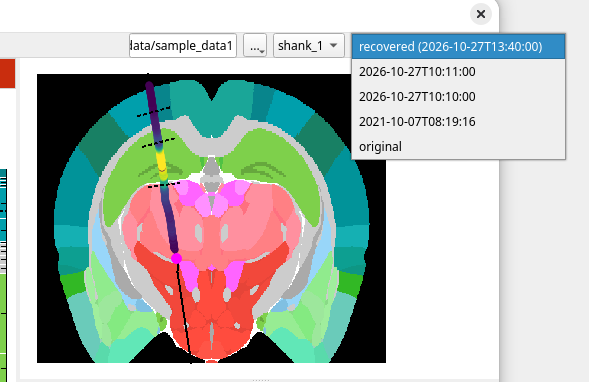
Carry on aligning, and upload when ready. Uploading deletes the progress file.